When setting up a telepresence project, it is essential to have good coordination to ensure the project runs smoothly. Since several teams must communicate remotely both during preparation and throughout the event, here are some things to consider and coordination tools that may be useful.
¶ Who Does What
It is essential to clearly define the role and tasks assigned to each team member. Additionally, it is highly recommended to appoint a person responsible for coordinating all teams (general coordination). This person may come from the artistic team or one of the show presenters. The same applies to technical coordination, which must prepare shared technical documentation and ensure coordination of technical teams in all involved locations. It is also recommended to have a responsible person in each location—often the technical director of the venue—to oversee setup, the event, and teardown locally, and to act as a liaison with other involved locations. A general stage manager is also important to ensure rehearsal schedules are followed and to give cues during the show.
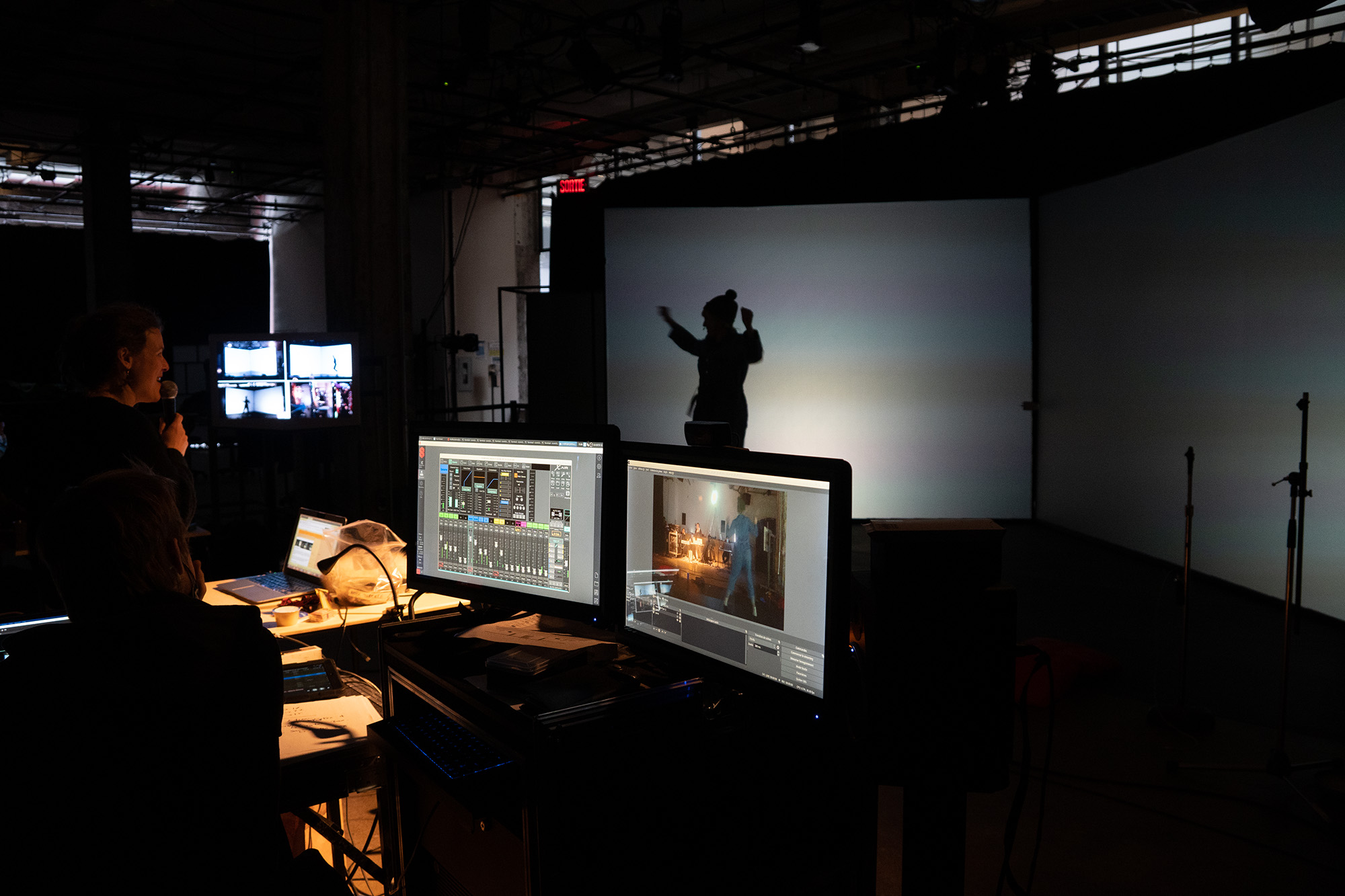
- Who coordinates the project? Artistically? Technically?
- Who is the responsible person in each venue?
- Who manages the general stage during rehearsals and the event?
¶ Overview
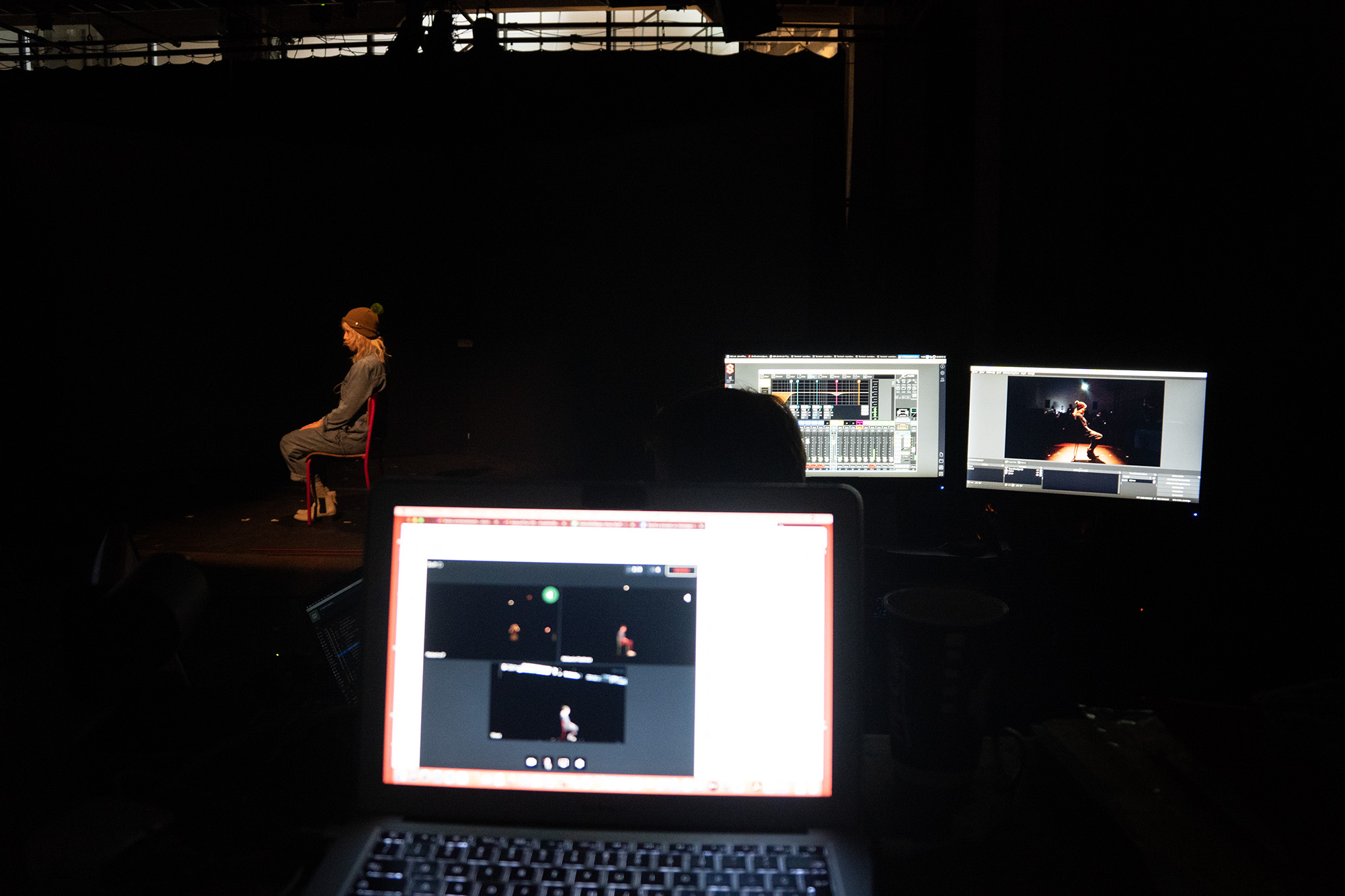
With several venues involved, team members must have an overall view of the project. During preparation, it is useful to place a wide-angle camera capturing the entire stage and broadcast it to other locations. This way, it is easy to compare what is happening in each venue. The person in charge of staging or coordination can then more easily direct remotely.
¶ Communication
¶ Communicating Well During Creation
Each team/department should have a way to communicate remotely. It is good to determine the method and tools to be used from the first preparatory meeting.
- The technical team must be able to communicate at all times—even when telepresence transmission is not established—using a text or voice messaging tool, such as Discord. This type of tool is ideal for centralizing all communications between production teams.
- A general microphone available at all times is recommended in each venue, outputting to speakers for general calls and direction. A clear speaking order can also be established between departments when teams are large.
- A parallel conversation for each department should be set up to discuss specific topics.
For example:
- Between stage managers;
- Between performers;
- Between designers (lighting, sound, image, set, props, etc).
¶ Fill Out a Shared Project Notebook
A project notebook is a practical communication and coordination tool, serving as a memory aid for those involved in a telepresence project—whether for coordination, artistic, or technical purposes. Since teams are in separate locations, centralized information must be a priority.
It is important to have all documents in one place accessible by both computer and mobile phone. A shared online folder for all involved is a good solution, and the link should be easy to access and well distributed.
Here is an example of a project notebook. This document gathers all necessary documents for coordination. It contains shared folders for technical, artistic, and coordination purposes.
¶ Team Directory
A table listing team contacts is recommended for each telepresence project; it should be easy to access and available at all times. The information needed for quick communication between members should be included.
¶ Organizing Time
¶ Timeline
A project calendar should be prepared between parties to launch the project. The crucial—and often complex—step is finding a common date for all presenters. Often, the date is set more than a year before the project is presented due to busy schedules. Once the telepresence project date is determined, other steps can be planned. At the end, it is recommended to conduct a project review with all teams to document lessons learned and contribute to the continuous improvement of telepresence stage practices.
Generally, 5 steps are necessary:
- Determine partners, date, and basic concept;
- Deepen the artistic concept, technical plan, and coordination tools;
- Artistic, technical, and network transmission preparation to ensure everything works properly;
- Venue entry and event, where periods of testing and adjustments must be planned;
- Project review and documentation to share the experience with the community.
¶ Schedule
Appoint a stage manager who closely follows meeting schedules. You can take inspiration from film sets for your organization. Among other things, the role of first assistant can be very useful. Since many people are involved, it is good to avoid waiting periods.
A common example is this: one venue must solve a technical issue, the second venue, which must wait, decides to start another activity. Then, the first venue solves its issue and returns to the other venue. Seeing them working, it might think it must wait again, while the second venue was just making use of the time. With a designated person, such as a first assistant, who ensures good communication, this situation can be avoided.
Plan for the technical team to arrive earlier to allow for installation and technical connections before other team members arrive. It is good to schedule an hour each day for connection between venues once setup is complete.
¶ Event Promotion
Since the event is broadcast in several venues, a common promotion strategy is recommended among partners. Moreover, since many telepresence projects involve audience participation, it is essential to have an adequate number of spectators in each venue for a balanced experience. For this, each presenter must be involved in promoting the event. However, be careful, as target audiences often vary depending on the context of the different regions where the show takes place.
To ensure good media visibility and coherence among partners, here are some recommendations:
- Create a shared communications calendar among partners in advance. It should highlight the important stages of the promotional campaign.
- Use the same descriptive text and photo/image to represent the event for each partner.
- Publish an event page on each partner’s official website. It should include a presentation of the partners and links to their event pages. Each venue should have its own reservation module.
- On Facebook, each partner creates their page (with their address and ticketing) and adds collaborators as « co-administrators. »
The optimal quality for images published in a Facebook event is generally 1200 x 628 pixels.
- Promote the event in a newsletter for each partner.
- For all graphic creations, it is important to name the partners and include their logos.
- Write a joint press release. Each partner should distribute it to their specific media list, ideally on the same day.
- Highlight the simultaneity of the event in several venues in case of press coverage. Whether local or national, ideally, journalists should be put in contact with other partners as well.
- Track event preparation with some photos and share them with partners.
- Cover the event by taking photos and video recordings for the event’s perspective. Share the material with other partners to create a post-event recap.
- Write a project description sheet to share the event with the telepresence community and maximize its reach.
¶ Budget
It is recommended to create a budget including all creation partners to clearly understand the financial distribution among them. Since the project is shared between several venues, note that the distribution of revenue and ticketing fees must be discussed between parties. An agreement should be made, as each venue may have different capacities.